01 / FOR SOUNDAUDIO
Audio
Turn recordings into cues, shape their levels and choose where the sound plays.
Audio features ↗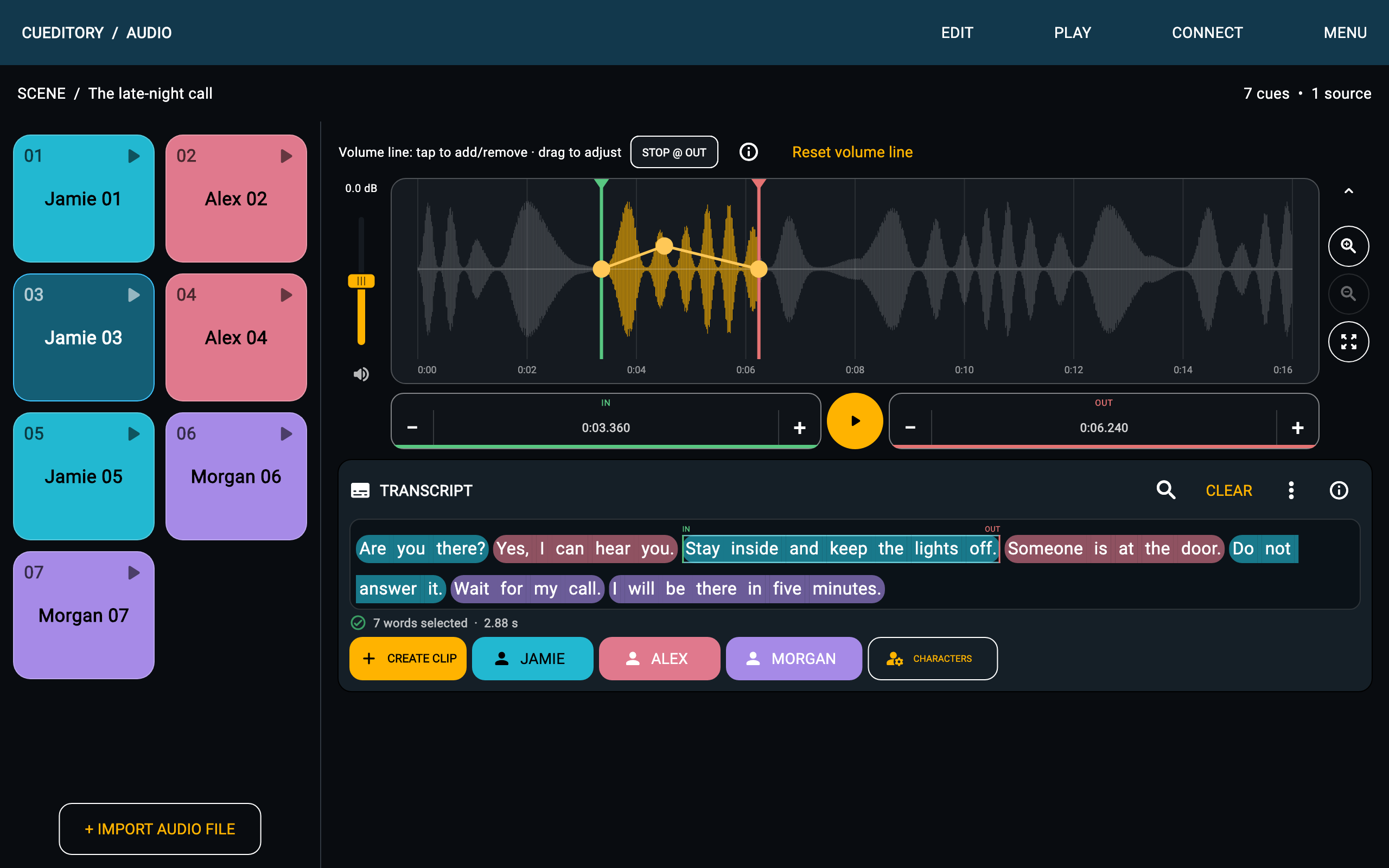
- Create clips from audio or transcript
- Adjust volume and fades
- Play locally, on props or through USB
ON-SET PLAYBACK & PROP CONTROL · EARLY ACCESS
Cueditory controls audio cues and simulated phone screens for filming.
Use it on one device, or control a prop phone over local Wi-Fi.
Turn recordings into cues, shape their levels and choose where the sound plays.
Audio features ↗Cue calls, messages and conversations on the actor’s phone, with the look prepared for the scene.
Phone features ↗03 / CUEDITORY COMPLETE
Use Audio for playback, Phone for screen action, or Complete to have both cue types in one workspace. Changing mode changes the tools you see; it does not create a separate project.
EXAMPLE / THE LATE-NIGHT CALL
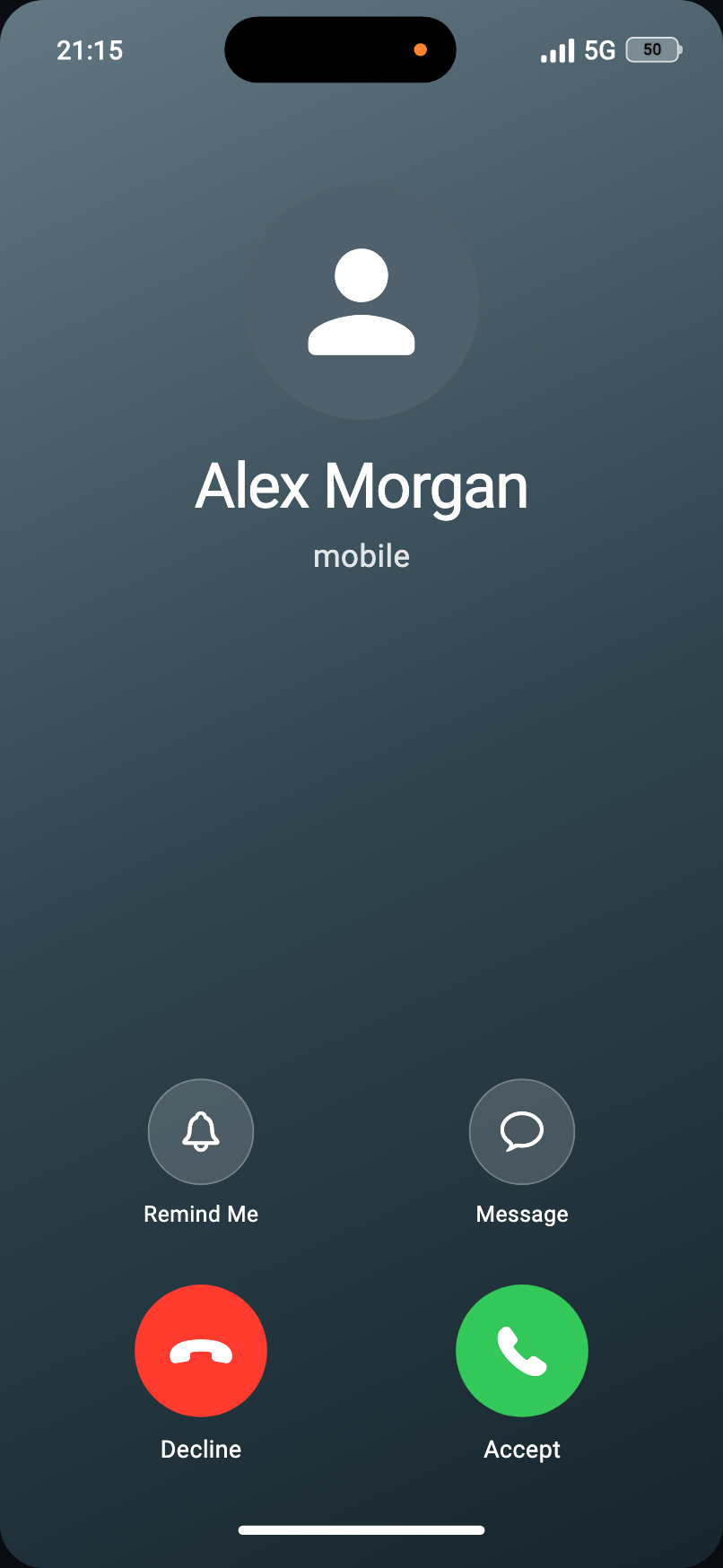
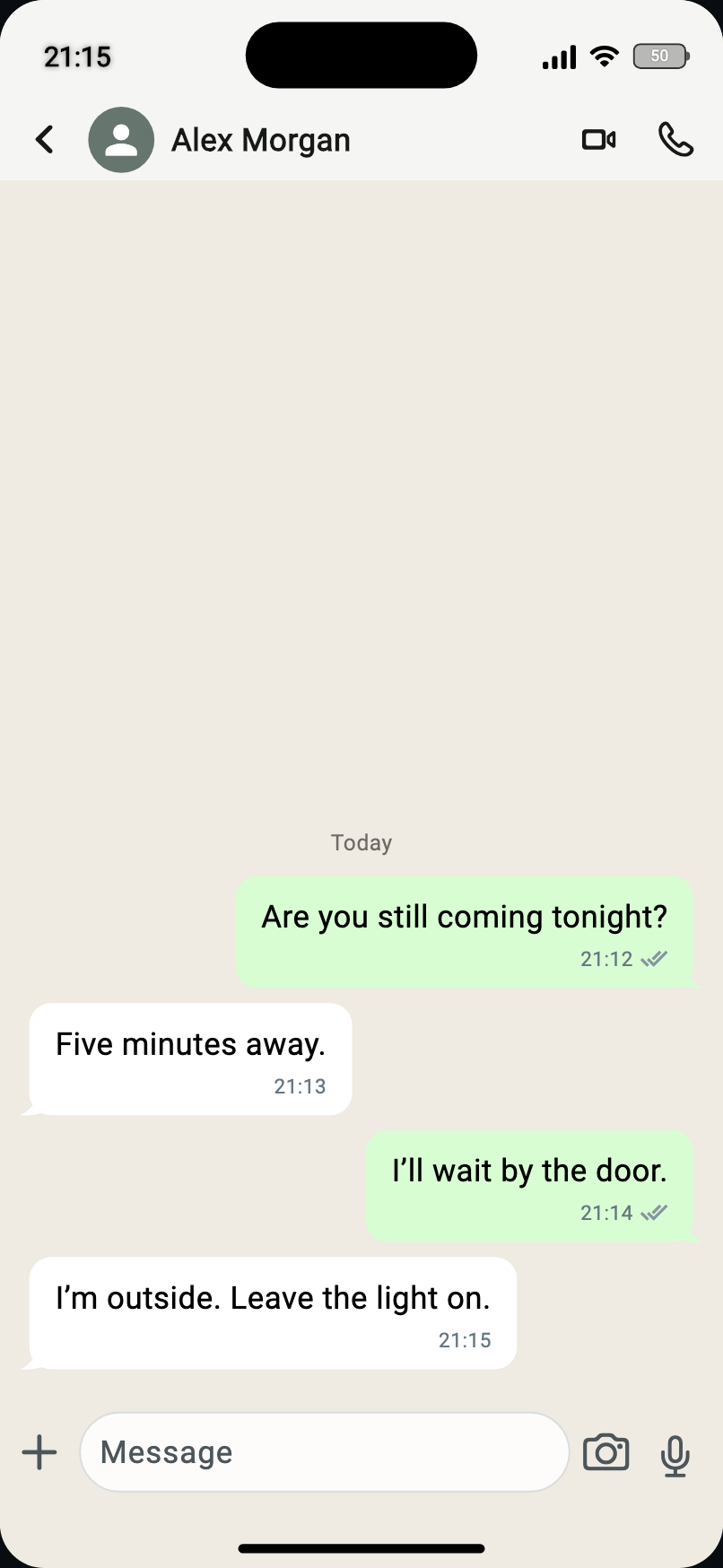
Prepare the incoming call as a Phone cue. Play the recorded voice as an Audio cue. Send the final message when the scene reaches that moment.
Build cues, contacts and sound before the take.
Join the same local Wi-Fi, find each prop device and sync the project.
Choose outputs and trigger the action when it is needed.
TWO OPERATORS / ONE PROP
Separate Audio and Phone controllers can work with the same prop. A single operator can use Complete instead.
SETUP
Use named scenes and recognisable cues. Preview and adjust before putting the prop into Run.
Control a connected prop across local Wi-Fi. A standalone project is also available when a separate controller is not needed.
Select your audio outputs and distinguish prepared cues from live microphone feeds. Rehearse the complete route, including adapters and monitoring.
EARLY ACCESS
Cueditory is in active testing on Android, iPhone and iPad. Testers receive installation instructions with their invitation.